BAND APP INFORMATION
WHAT IS BAND APP?
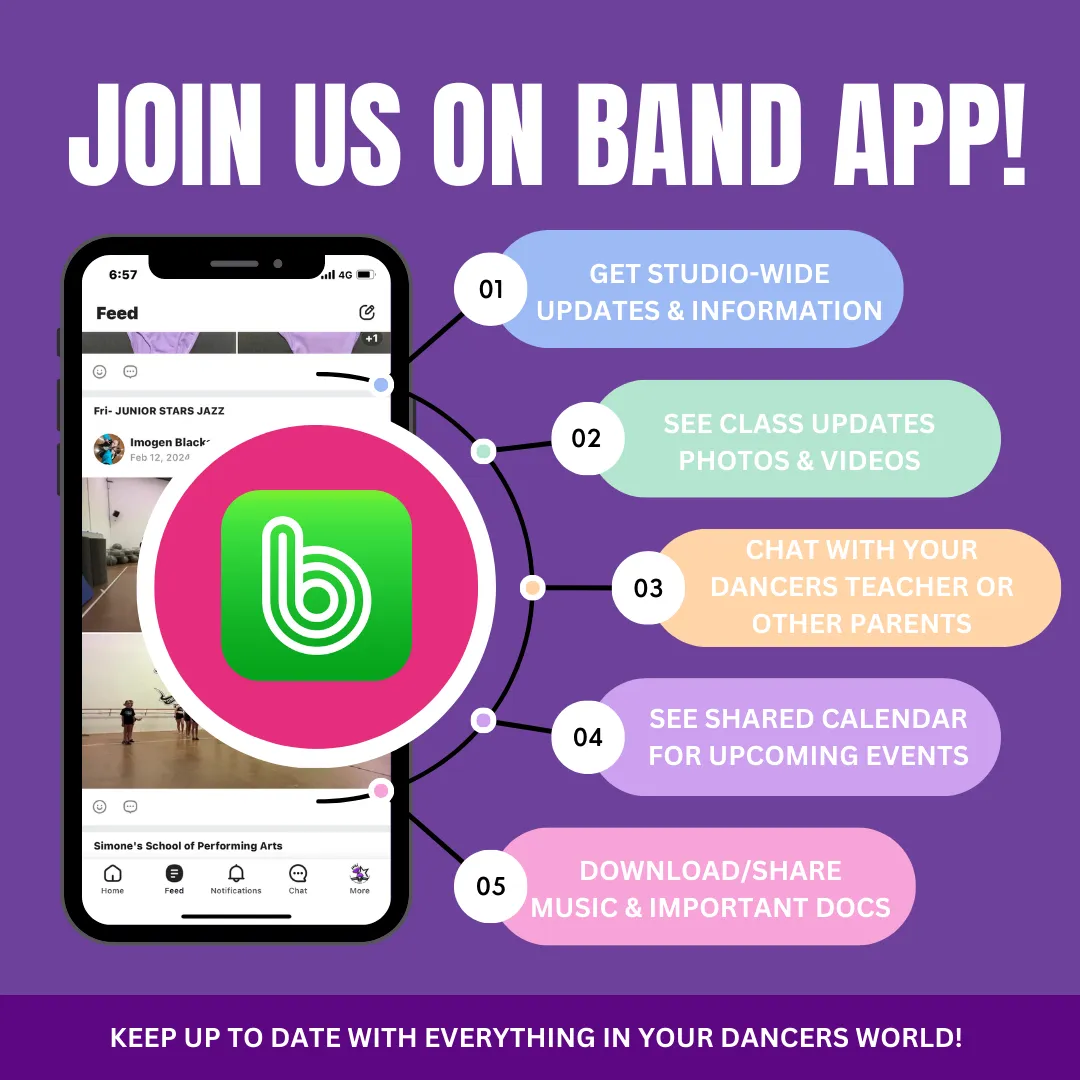
Band is a communication app that enables easy communication with the studio and teachers, so you don't miss out on all the important info!
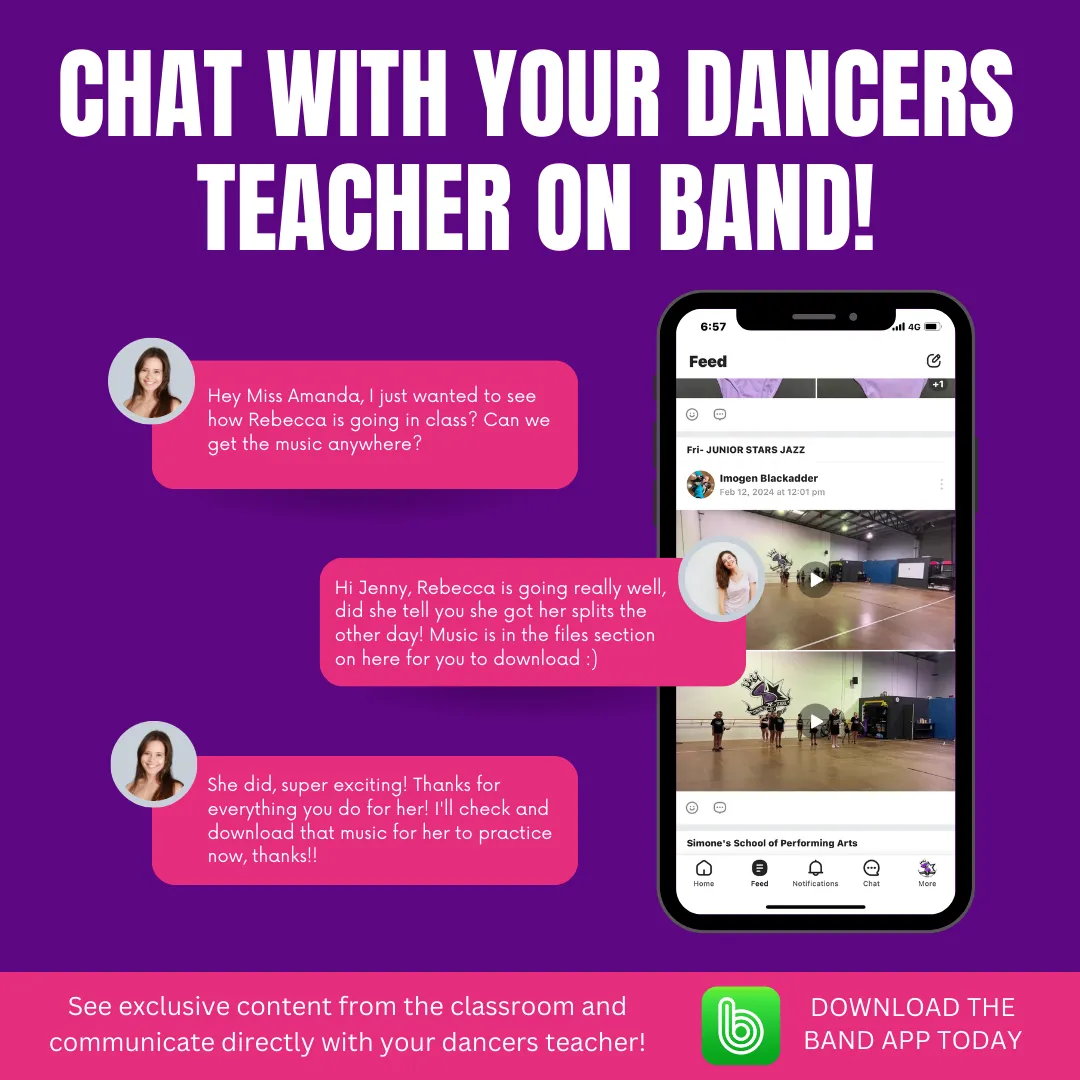
At Simone's School of Performing Arts we use BAND APP so you can receive studio updates, class info, ask questions, and see videos and photos from your Child's classes. We'll post relevant and important class updates as well as showing you what your kids are up to in class, you can also access class music and choreography allowing your child to easily practice their routines at home.
Both Parents and students who own a device are welcome to join and the BAND APP can be accessed on smart phones/tablets and computers. BAND is a safe place for us to communicate with parents and students. It is a private account only accessible by those that are enrolled in each class and will be monitored by our admin team to ensure that it remains a safe and fun online space.
BAND FEATURES
Announcements and alerts:
Band provides a dedicated space for group-related communication. All information goes out and comes back the same way so members never miss anything important.
Shared calendar:
Used to mark important dates such as any concerts and mid year concerts etc.
+many more that we will share over the course of the year!
Please note: Band will be used for class related conversations only. Any administration questions will still need to go through our admin staff eg. fees, payments, uniforms and enrolments should be discussed with our admin staff via phone call, email or at the front desk.
WHAT DO I NEED TO DO?
INITIAL SET-UP:
1.Download BAND to your device (or access via a web browser on your computer here).


2.Sign up to Band by using either your mobile number, Facebook, email or google. Make sure when you sign up use your full name and in (Brackets) (your child's name the student at Simone's School of Performing Arts along side your name) Then, just one more little step please make your profile photo a photo of your child (the student).
3. Once logged in you then need to add your dancers classes/"BANDS" to your account. This can be done via the BAND links page below or by scanning the QR codes available at reception in the studio or that your dancer might bring home.
Please make sure you add the SSOPA Family band page first and then select your other classes.
Once you have added all classes they will now be saved in your Band app and you will just open the app and click on the relevant class to see what's happening!
Please feel free to reach out if there is anything at all we can help with and any questions you may have.
See you on Band!Image